
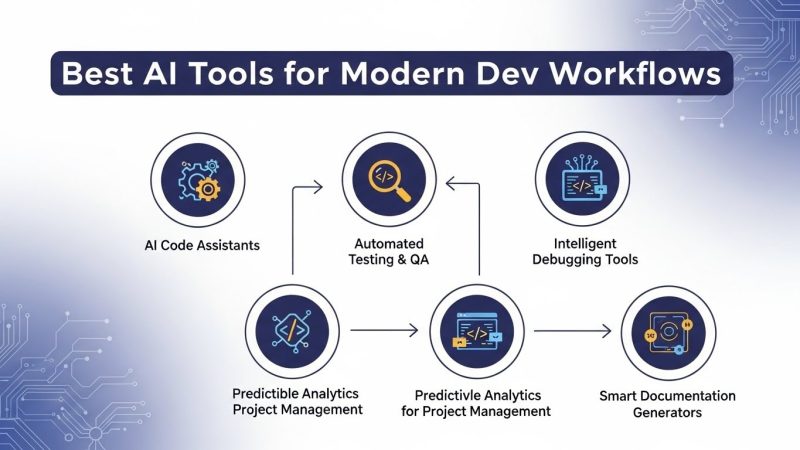
If your development workflow still looks like 2019—manual coding, manual reviews, manual test writing—you are already behind the teams that have fully embraced AI tools for software development. In 2025, AI coding assistants, agentic AI IDEs, and smart DevOps copilots are no longer “nice to have”; they are the backbone of modern, high-velocity engineering organizations.
This guide breaks down the best AI tools for software development in 2025, how AI IDEs like Cursor and Windsurf fit into your stack, and how to build a workflow that actually ships better code faster—not just more code.
What “AI tools for software development” really means in 2025
AI tools for software development now cover almost every stage of the lifecycle: planning, coding, testing, security, and deployment. The most effective teams combine several categories instead of relying on a single assistant.
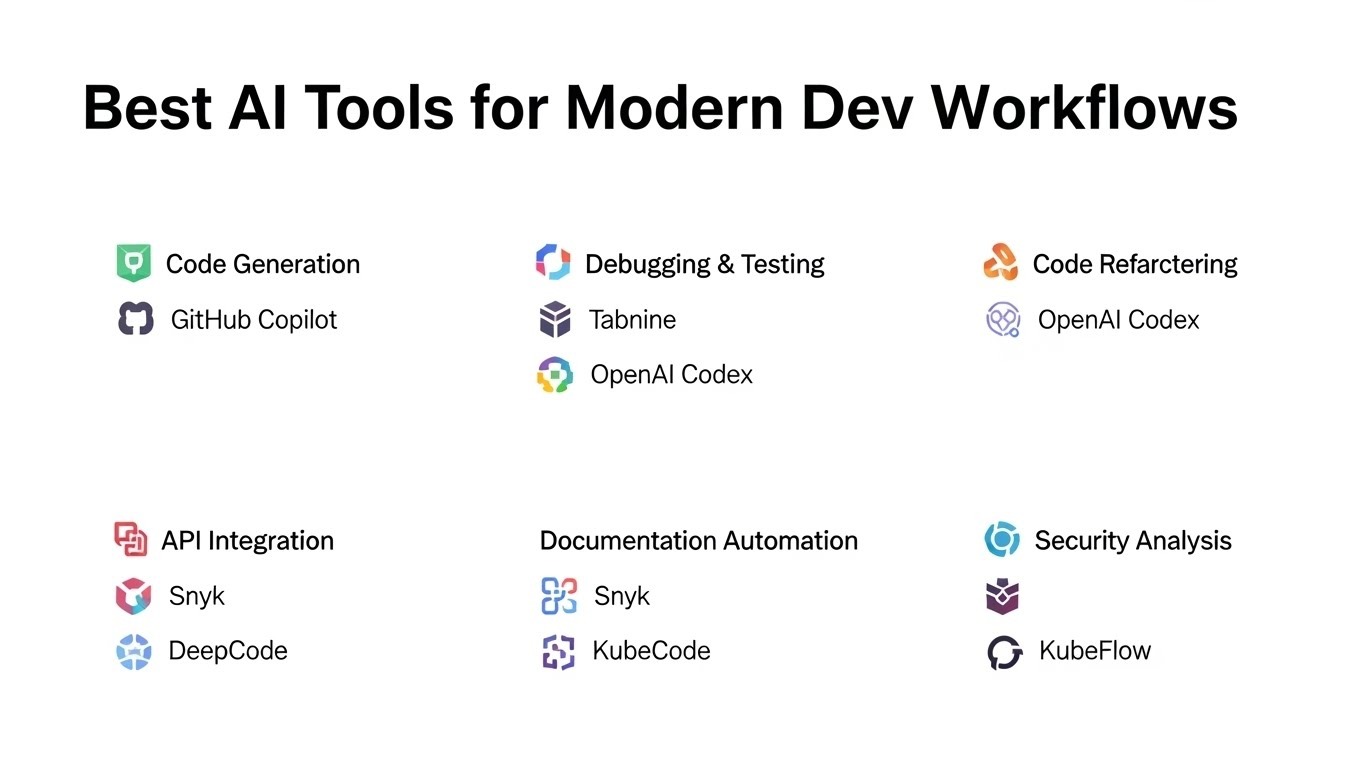
Key categories include:
-
AI IDEs and editors (Cursor, Windsurf, VS Code extensions)
-
AI coding assistants (GitHub Copilot, Tabnine, Qodo, Replit Ghostwriter)
-
AI testing and QA tools (Qodo, Snyk Code / DeepCode-style analyzers)
-
AI DevOps and automation agents (agentic IDE features, CI helpers)
AI IDEs like Cursor and Windsurf
AI IDEs like Cursor and Windsurf represent the biggest mindset shift in how developers write and maintain code. Instead of just injecting suggestions, these AI tools are architected around agents that can understand large codebases, propose multi-file edits, and even run shell commands or tests.
Cursor: AI-native IDE with VS Code feel
Cursor is frequently described as “VS Code with AI on steroids,” giving developers a familiar editing experience plus deep AI integration. It supports inline code completions, natural language prompts over your codebase, and agent-like workflows that can refactor multiple files while still surfacing diffs for human review.
For small teams and individual developers, Cursor’s speed and responsiveness make it one of the most compelling AI tools for software development in 2025, particularly for greenfield projects and fast iteration.
Windsurf: Agent-native IDE for large codebases
Windsurf, formerly Codeium’s IDE, positions itself as an “agent-native” editor optimized for large repositories and enterprise teams. It uses deep codebase context and an AI agent (often described as “Cascade”) that can select relevant files and perform multi-step changes, including running terminal commands.
Benchmarks and comparisons highlight Windsurf’s strength in complex, multi-step tasks, where it trades a bit of raw completion speed for more thorough, context-aware suggestions. For organizations working with massive monorepos, Windsurf’s focus on security, performance, and unlimited agent access makes it one of the best AI IDEs in 2025.
Cursor vs. Windsurf at a glance
| Aspect | Cursor (AI IDE) | Windsurf (AI IDE) |
|---|---|---|
| Core focus | Fast AI coding in a VS Code-like environment. | Agent-native IDE for large codebases and enterprise teams. |
| Context handling | Explicit tags and prompts to control scope. | Full-repo embeddings and automatic agent context selection. |
| Strengths | Speed, precision, familiar UX for small teams. | Deep multi-step tasks and large-project assistance. |
| Ideal use case | Solo devs, startups, experimentation, rapid prototyping. | Enterprises, big monorepos, security-sensitive environments. |
Top AI coding assistants in 2025
Even if you are not ready to move to a full AI IDE, you can still get huge gains from AI coding assistants that plug into your existing editor. The leading AI tools for software development in this space focus on real-time suggestions, natural language coding, and repository-level reasoning.
GitHub Copilot
GitHub Copilot remains the default reference for inline AI coding assistance in VS Code, JetBrains IDEs, Visual Studio, Neovim, and more. It offers real-time code completion, multi-line generation from comments, chat-based debugging, and security vulnerability detection integrated with GitHub workflows.
If your team already lives in GitHub and VS Code, Copilot is often the easiest starting point for AI-assisted development, especially for pair programming and boilerplate-heavy tasks.
Replit Ghostwriter
Replit Ghostwriter powers Replit’s cloud IDE and targets collaborative, browser-based development. Developers can share live sessions where Ghostwriter suggests fixes, explains code, and even generates prototypes from plain-language specifications using “headless” AI modes.
For teaching, hackathons, or rapid prototyping, Replit Ghostwriter is one of the most approachable AI tools for software development, especially if your workflows are already cloud-first.
Tabnine, Qodo, and others
Tools like Tabnine and Qodo focus on privacy, test generation, and deep understanding of your private codebase. These assistants often support many editors, offer enterprise plans, and help generate unit tests, refactor code, and find logic gaps that manual reviews might miss.
How AI fits into a modern development workflow
The real power comes when AI tools for software development are wired into every phase of your workflow rather than used ad hoc. A simple but effective 2025 workflow might look like this:
1. Planning and design
-
Use AI chat tools specialized for developers to break product specs into epics, stories, and tasks.
-
Let AI help generate architecture diagrams, API contracts, and initial data models before you write a line of code.
2. Coding and implementation
-
Work inside AI IDEs like Cursor and Windsurf or extend your existing IDE with Copilot, Tabnine, or similar tools.
-
Use AI to generate initial implementations from comments, then refine and enforce project-level rules via prompts and “agent” configurations.
3. Testing, QA, and security
-
AI testing tools can generate unit and integration test cases, highlighting missing paths and edge cases.
-
Static analysis enhanced with AI (e.g., Snyk Code–style analyzers) can surface security vulnerabilities with human-readable explanations and suggested fixes.
4. Code review and refactoring
-
Use AI chat over pull requests to summarize changes, flag risky sections, and propose improvements in bulk.
-
AI agents inside IDEs can perform repository-wide refactors safely by showing diffs and allowing you to approve or roll back changes.
5. DevOps and deployment
-
Agentic environments like Windsurf can run shell commands and scripts, helping you automate common build, test, and deploy tasks.
-
Combined with cloud platforms and CI/CD, AI can generate deployment manifests, infra-as-code templates, and rollout strategies with human oversight.
Best practices for adopting AI tools safely
To align with Google’s helpful content guidelines and your internal engineering standards, AI tools for software development must be used responsibly and transparently. A few critical best practices:
-
Keep humans in the loop: Always review AI-generated code, tests, and configs before merging or deploying.
-
Protect sensitive code: Use enterprise plans or on-prem modes when working with proprietary or regulated data.
-
Document conventions: Define clear rules for prompts, commit messages, and change tracking so AI output remains explainable and maintainable.
From an SEO and content perspective, when documenting your AI stack or writing internal guides, prioritize clarity, user intent, and value instead of keyword stuffing—exactly what Google’s current documentation recommends for helpful content.
How to choose the right AI tools for your team
With so many AI coding tools on the market, choosing the “best” option depends on your stack, team size, and risk tolerance. Use criteria like:
-
Existing IDE: VS Code and JetBrains users may favor Copilot, Cursor, or Tabnine; teams open to a new editor can evaluate Windsurf.
-
Codebase size: Smaller projects can prioritize speed (Cursor, Copilot), while massive monorepos may benefit more from Windsurf’s agentic features.
-
Security and compliance: Enterprise-grade tools with strong data isolation and auditing are best for regulated industries.
Running short pilots with clear success metrics—like reduced PR cycle time or improved test coverage—is the most reliable way to validate impact.
FAQs about AI tools for software development
Are AI tools going to replace software developers?
AI tools for software development automate repetitive coding, testing, and review tasks, but they still require human oversight for architecture, product decisions, and nuanced problem-solving. In 2025, the most successful teams treat AI as a productivity multiplier, not a replacement for developers.
Which is better: Cursor or Windsurf?
Cursor is often better for individual developers and small teams that want fast, responsive AI inside a familiar VS Code-like environment. Windsurf is typically better for large organizations managing big codebases where agentic workflows and deep context awareness deliver more value.
Is GitHub Copilot still worth it in 2025?
Yes, GitHub Copilot remains one of the strongest and most widely adopted AI tools for software development, thanks to its tight integration with GitHub, broad language support, and mature feature set. Even teams that also use AI IDEs often keep Copilot as part of their stack.
Are AI coding tools safe for proprietary projects?
Many AI vendors now offer enterprise plans with stronger data controls, on-prem or VPC deployment options, and compliance certifications. For sensitive or regulated projects, these options are strongly recommended over consumer-tier tools.
How can AI help with testing?
Modern AI tools can generate unit tests, integration tests, and even property-based tests directly from your existing code and requirements. This reduces manual effort and improves coverage, though human review is still necessary to validate critical paths.
Call to action: Level up your workflow now
AI tools for software development are no longer experimental—they are table stakes for competitive engineering teams in 2025. Start by choosing one AI IDE (such as Cursor or Windsurf) and one assistant (like GitHub Copilot or Replit Ghostwriter), then run a 30-day pilot focused on a real project to measure impact on speed, quality, and developer happiness.
If you found this breakdown helpful, bookmark it as your reference for AI developer tooling, share it with your team, and start mapping out which tools you will test this quarter—your future workflow will thank you.
